Overview of the Protectli OPNsense Router Project Part 1 of x
Posted June 1, 2023
By Kevin Schwickrath1 min read
Updated: Aug 20, 2023
Overview
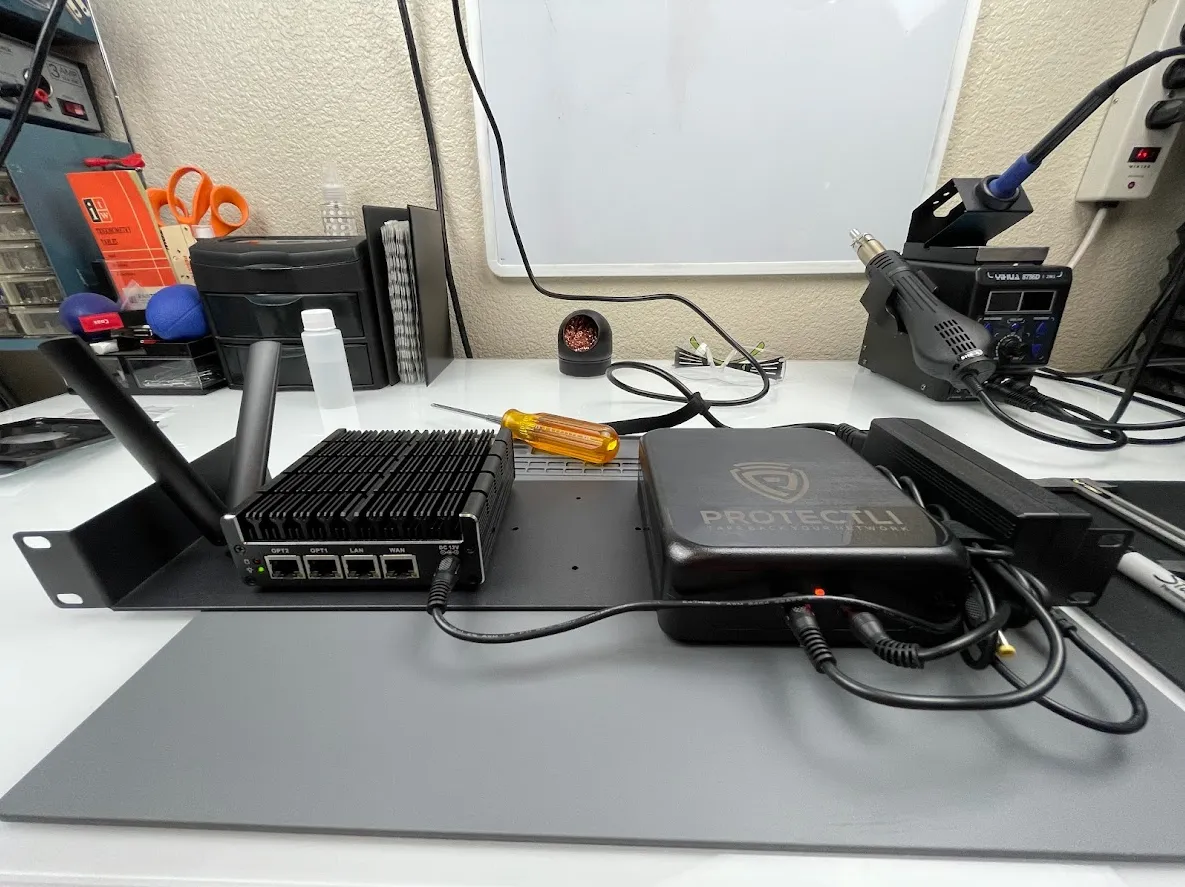
This a series for building a Wireguard VPN router with LTE services for monitoring equipment installed at a remote location via Zabbix. This project can easily be used to build an OPNsense router with a wired WAN and auto LTE failover.
This guide is based on the following hardware:
- Protectli FW4B
- Intel® J3160
- 4 Ethernet ports
- 8GB RAM
- 32GB mSATA SSD
- 4G Internal LTE modem MDG100 (from Protectli)
- OPNsense 22.7 and 23.7
- Protectli 88Wh UPS
- Protectli Rackmount Shelf
Project Steps
- Part 1 - Project Overview (this page)
- Part 2 - Overview of the Protectli FW4B
- Part 3 - MDG100 LTE Modem
- Part 4 - Protectli UPS and Rack Mount Shelf
- Part 5 - Installing OPNsense
- Part 6 - Configuring OPNsense Multi-WAN
- Coming Soon: Part 7 - Configuring OPNsense Firewall and NAT
Head over to Part 2 - Overview of the Protectli FW4B to get started.
This post is licensed under CC BY 4.0 by the author.
Related Posts
Create a Ceragon IP-20A to Cisco Console Cable Adapter
You can use a standard Cisco console cable to connect to a Ceregon IP-20A with some modifications.
How to Restore a Ceragon SD Card From Image
Did you ever have a Ceragon chassis SD card that died unexpectedly? This sudden death resulted in a significant reduction in bandwidth for a specific part…
Protectli UPS and Rack Mount Shelf
!Finished project Finished product
MDG100 LTE Modem
!LTE modem alone MDG100 LTE Modem